Every cruiser researches the cash question — we keep the port-by-port table here. Almost nobody researches the three traps that actually strand people, because they only appear once you interact with Japan’s systems rather than its shops. All three are cheap to avoid and miserable to discover live.
Trap 1: the foreign-Visa website problem
Here is the sentence that saves someone’s Kyoto day: Japanese booking websites are notorious for declining foreign-issued Visa cards — while the same card works perfectly in physical shops. The shinkansen’s Smart-EX system is the most famous offender; veterans on the cruise boards state it flatly: use Mastercard or Amex for Japanese online bookings.
Where this bites a cruise passenger: pre-booking shinkansen seats for a DIY Kyoto or Kakunodate day, timed-entry attractions (USJ, Ghibli, teamLab — all online-only or nearly so now), and the Hiroshima museum’s web tickets. None of these can be fixed from a ship’s wifi at midnight.
The fix: two cards, two networks. Book Japanese sites with the Mastercard/Amex; keep the Visa for tap-to-pay ashore, where it behaves.
Trap 2: the fraud freeze
The first ¥8,000 charge from a fish market you have never mentioned to your bank is exactly what fraud algorithms exist to block — and a frozen card mid-cruise, with ship wifi and a 14-hour time difference to your bank’s phone line, is a genuinely bad afternoon.
The fix costs three minutes: set a travel notice in your banking app before you fly; carry a second card in the cabin safe; and know your PIN — Japanese terminals request it in places your home country would take a signature.
Trap 3: the Suica device divide
The tap-card (Suica/Pasmo/ICOCA) is the single best quality-of-life purchase of a Japan cruise — trams, ferries, buses, vending machines, convenience stores, one tap each. The trap is which phone you hold:
- iPhone: install Welcome Suica Mobile — running since March 2025, 180-day validity, no deposit, top up in the app. Two travellers need two devices; one phone cannot pay for a couple.
- Non-Japanese Android: your phone physically lacks the FeliCa chip. Samsung has announced FeliCa in overseas Galaxy models from 2027 — which does not help your 2026 sailing. Buy the physical card: regular Suica and Pasmo returned to full normal sale in March 2025 (the chip-shortage suspension is over), and tourist-oriented Welcome Suica cards sell at Narita and Haneda stations.
- Either way: top-ups are cash-friendly at station machines — fold it into your cash plan, and keep the card for your next Japan trip if it’s the standard (10-year) kind.
The 60-second pre-cruise checklist
- Second card, different network (Mastercard/Amex), packed separately
- Travel notices set on both
- PINs known, not guessed
- iPhone: Welcome Suica Mobile installed at home wifi · Android: physical card on the airport to-do list
- Japanese-website bookings (trains, museums, parks) done before you sail, on the non-Visa card
Verified August 2026: Welcome Suica Mobile device support and physical-card sales status from JR East and Samsung announcements; the foreign-Visa rejection pattern from sustained first-hand reports by Cruise Critic’s Japan-board veterans. Networks fix things quietly — if your Visa works on Smart-EX, wonderful; pack the backup anyway.
Guided days at the ports in this article
Shared cars with a guide first; each page says who should skip it. Booked through Viator; there is no tour desk at the pier.
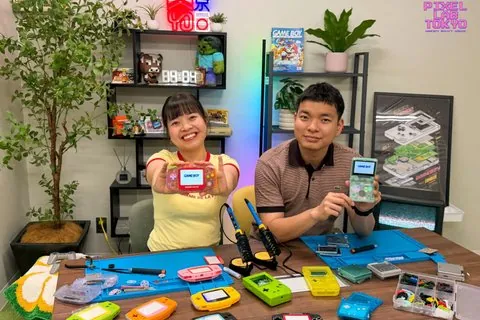 TokyoSmall group5.0★ · 202
Pixel Lab Tokyo: Gameboy Mod Workshop (Classic/Advance/SP)
A three-hour workshop building and customising your own Game Boy, Classic, Advance or SP, to take home.
from US$350 per person · max 8Why it is here →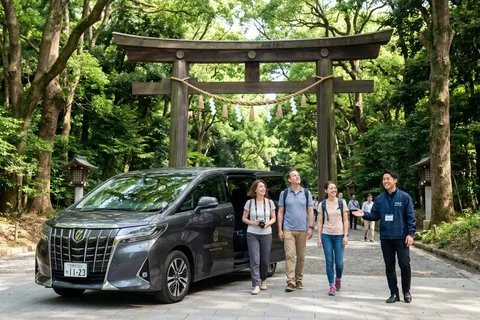 YokohamaPrivate car · per person5.0★ · 38
Tokyo in 1 Day from Yokohama by Car with Licensed Guide
A private car day in Tokyo with a licensed guide, choosing three or four sights from a long list, starting fro…
from US$482 per person · max 7Why it is here →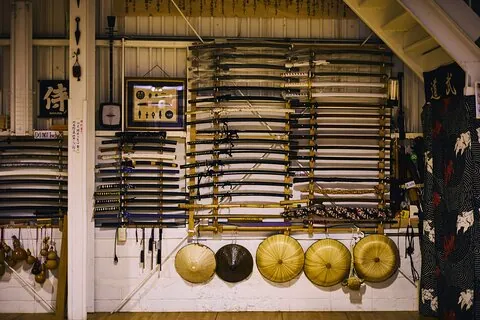 OsakaSmall group5.0★ · 598
Samurai Training Experience KENDO in Osaka
A two-hour kendo lesson in a real Osaka dojo, in armour, taught in English — the most-reviewed bookable experi…
from US$128 per person · max 12Why it is here →If you book, we may earn a small commission at no extra cost to you. It never decides what we recommend.