This page exists because of a moment every cruiser knows and no brochure describes. You have cleared the gangway. The terminal is behind you. Ahead is a plaza with a row of buses labelled entirely in kanji, a taxi rank, and a road leading somewhere. Your phone works, your legs work, your plan says “Kenroku-en” — and there is absolutely nothing telling you which of these vehicles, if any, goes there.
Here is the whole system, once and for all.
Rule zero: know your four exits
Every Japanese cruise port resolves to four ways out, and which berth you got decides the mix:
- The shuttle — if your ship runs one, it’s usually a coach parked nearest the terminal exit with a ship-name placard. The daily program (last night’s newsletter) is the only reliable schedule for it. Photograph the return timetable before you board.
- The public bus — cheap, honest, and the most intimidating thing in Japan until someone explains it (below).
- The taxi rank — orderly queue, metered, no negotiation, no tipping.
- Your feet — at 8 of the 24 ports in this guide, the town genuinely starts at the gangway.
If the plaza looks empty — no shuttle, two taxis, a bus stop with nothing coming — that is not a failure of your planning. Some Japanese ports are simply like that, which is why our DIY-or-Book table marks where pre-booked wheels are the whole game.
The app decision, settled: Google Maps is your transit brain
We could print bus timetables for every port. We refuse — because Japanese local timetables change by weekday, weekend, holiday and season, and a printed schedule is a small lie waiting to happen. What we do instead:
Google Maps transit directions are exceptional in Japan. Enter a destination and it returns the bus number, the exact stop to stand at, the next three live departures valid for today specifically, the fare, and the stop count. It handles the holiday-schedule problem automatically, because it isn’t a schedule — it’s a feed.
Two ways to use it right:
- From our port pages: every guide’s “Just docked?” section now has “Today’s times” buttons — one tap opens Google Maps with the destination already entered in Japanese (so the routing never mishears you), in transit mode, from wherever you’re standing. No typing, no romanization roulette.
- Manually: copy the Japanese place names from our printable Port Day Sheet — the same strings you’d show a taxi driver paste perfectly into Maps.
One honest caveat: transit routing needs a data connection — offline maps don’t include live buses. A cheap eSIM sorts this (our connectivity notes); without data, you’re in taxi-and-paper mode, which also works.
The bus, demystified in five steps
The regional Japanese bus — the kind waiting at Kagoshima, Kochi or Akita — runs on a system nobody explains and everybody masters in one ride:
- Board through the rear door.
- Take the small numbered ticket (整理券, seiri-ken) from the machine beside the door — or tap your IC card and skip steps 3–5 entirely.
- Sit. Watch the fare board above the windscreen: your ticket’s number appears with a price that grows as you ride.
- At your stop, press the button, walk to the front, and drop the ticket plus the shown fare into the driver’s box.
- No change? The fare box has a change machine built in — feed it a ¥1,000 note before your stop and pay from the coins.
That’s it. That’s the entire mystery. And it’s also the argument for a Suica or IC card: tap on, tap off, never think about it again.
The taxi, demystified in four customs
- The rear door opens itself. Driver-operated. Standing there pulling the handle marks you as new; stepping back and letting it swing is the whole etiquette.
- Meter, always. No negotiation exists; overcharging foreigners is effectively unheard of.
- No tipping. Genuinely none.
- Language: show, don’t say. Our Port Day Sheets carry each port’s destinations in large-print Japanese, plus the one line that matters at 3pm: クルーズ船乗り場までお願いします — “to the cruise ship, please.”
When the rank is empty — common at small ports on ship days — the app order is: GO first (all 47 prefectures, English interface, foreign cards, ~80% of Japan’s taxi-app market), DiDi in the big metro areas, Uber only in central Tokyo/Osaka. Install GO at home, on wifi, before you sail; a taxi app you download at the pier is a taxi app fighting your roaming plan.
The one-paragraph version
Identify your exit (shuttle placard → bus rank → taxi queue → feet). Open our port page and tap a “Today’s times” button — Google Maps knows today’s actual buses. Boarding a bus: rear door, ticket or IC tap, pay at the front. Taxi: door opens itself, meter runs, no tip, show the Japanese. Empty plaza: GO app. And whatever you ride out on, be at the gangway sixty minutes before all-aboard — every plan on this site already banks it.
App facts verified August 2026: GO coverage/payment from GO Inc.’s English site and current traveller guides; coverage shifts, so check the store listing before you sail. Bus mechanics: unchanged for decades, may they never change.
Guided days at the ports in this article
Shared cars with a guide first; each page says who should skip it. Booked through Viator; there is no tour desk at the pier.
 KagoshimaShared car · per person4.8★ · 60
Discover the Wonders of Sakurajima Half Day Tour in Kagoshima
H.I.S.'s guided half day on Sakurajima by island bus: the ferry, Tsukiyomi Shrine, the Visitor Center, the lav…
from US$94 per person · max 15Why it is here → KanazawaShared car · per person5.0★ · 384
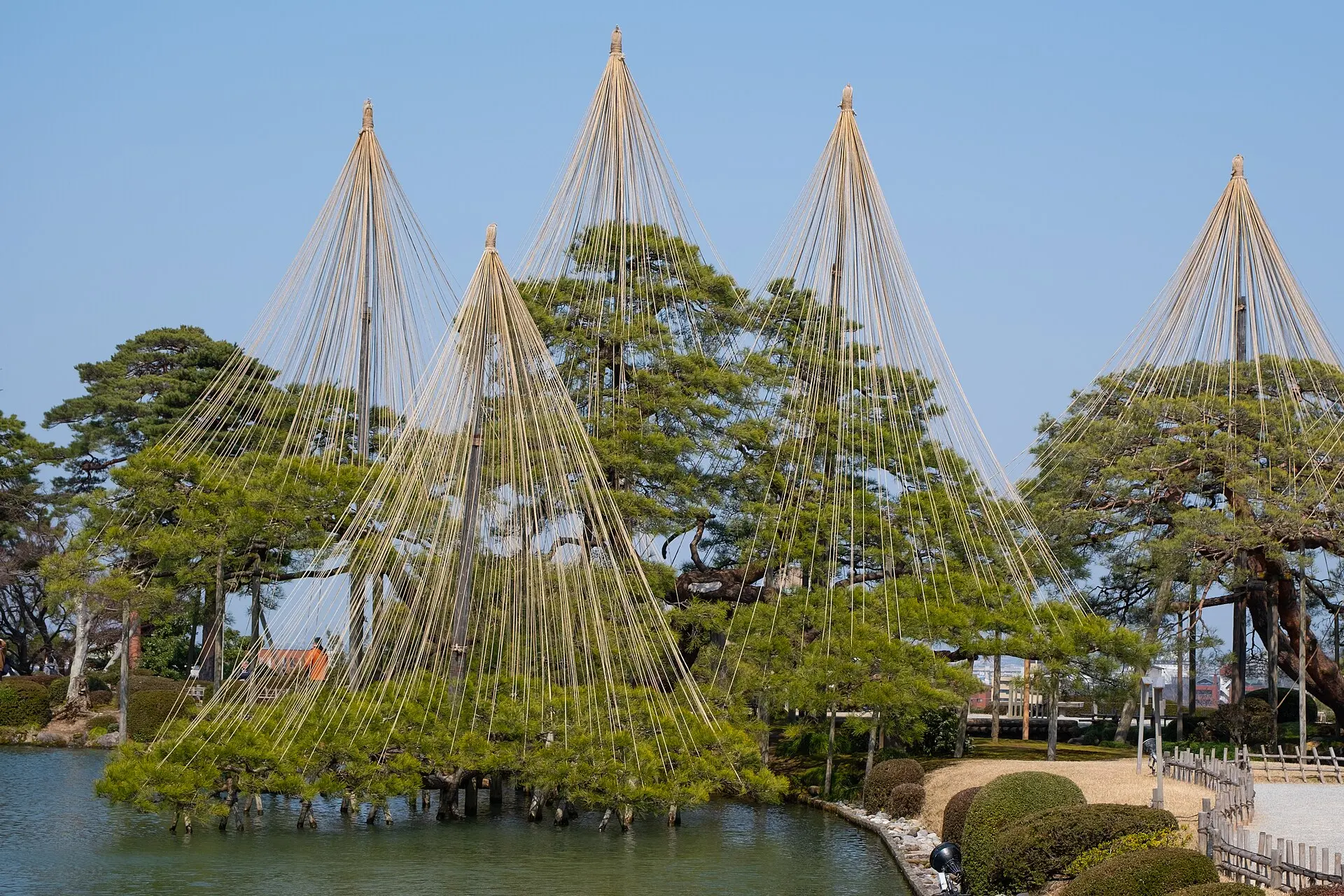
Kanazawa Highlights: Garden, Castle, Samurai & Geisha+Taxi
A three-hour small-group walk with an English-speaking guide through Kenrokuen, the castle grounds, the Nagama…
from US$56 per person · max 15Why it is here →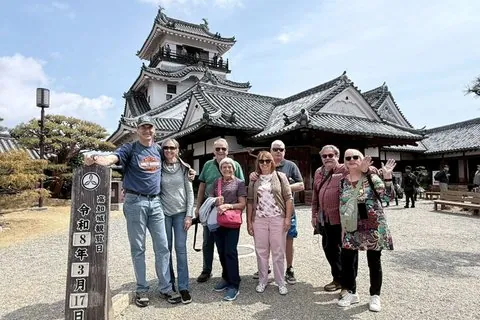 KochiShared car · per personOn-time return promised4.5★ · 31
Best of Kochi Half-Day Tour: Castle & Hirome Market
A four-hour small-group walk around Kochi Castle, Hirome Market and Hachimangu Shrine, starting at JR Kochi St…
from US$128 per person · max 12Why it is here →If you book, we may earn a small commission at no extra cost to you. It never decides what we recommend.