
Two small frustrations eat more port hours in Japan than any missed shuttle: standing at a market stall realizing it’s cash-only, and watching a map tile refuse to load on ship Wi-Fi. Both are fixable in ten minutes before you fly.
Cash: more than you expect, less than you fear
Japan’s cities take cards nearly everywhere now — but the places we send you are not always cities. Market stalls, tram fare boxes, temple entrance windows, the old lady selling grilled squid: cash country. The comfortable budget for a couple is the yen equivalent of US$60–100 per port day, drawn at an ATM rather than exchanged.
Two ATM networks accept foreign cards reliably: 7-Eleven’s Seven Bank and Japan Post Bank machines — both with English menus, both present in every port city on your itinerary. Draw once for several days; yen is safe to carry here.
The IC card trick
A rechargeable transit card (Suica or ICOCA, physical or in your phone’s wallet app) turns every tram, subway and many buses into tap-and-go — and works at konbini and vending machines too. Load it at any station machine. For iPhone users, a Suica in Apple Wallet takes two minutes to set up before you leave home and removes an entire category of fumbling.
Connectivity: the eSIM beats the ship
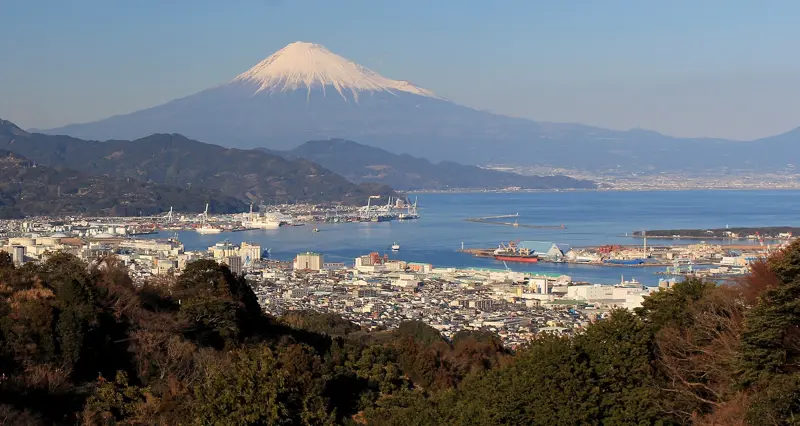
Ship Wi-Fi prices keep climbing and speeds sink whenever everyone posts their Fuji photos at once. The fix is a Japan data eSIM installed before you fly: switch it on when ashore, and your maps, translation and messaging run on land networks at land speeds. Install and test it at home — activating anything from a ship’s satellite connection is misery by design.
Phone won’t do eSIM? Terminal Wi-Fi is common and free in Japanese cruise ports, and konbini fill the gaps — workable, just less graceful.
The 10-minute checklist
- Confirm your card’s foreign ATM fee; pack a backup card.
- Install a Japan eSIM and test it at home.
- Add Suica/ICOCA to your phone wallet (or plan to buy the card at the first station).
- Save your ports’ guide pages — every page on this site has a Print button for exactly this reason.
Then forget logistics and go enjoy the country. That’s the whole point of doing this before you sail.
Traveling as a group? The cash-first reality above is exactly why splitting bills in Japan deserves its own guide.